Grapheneos
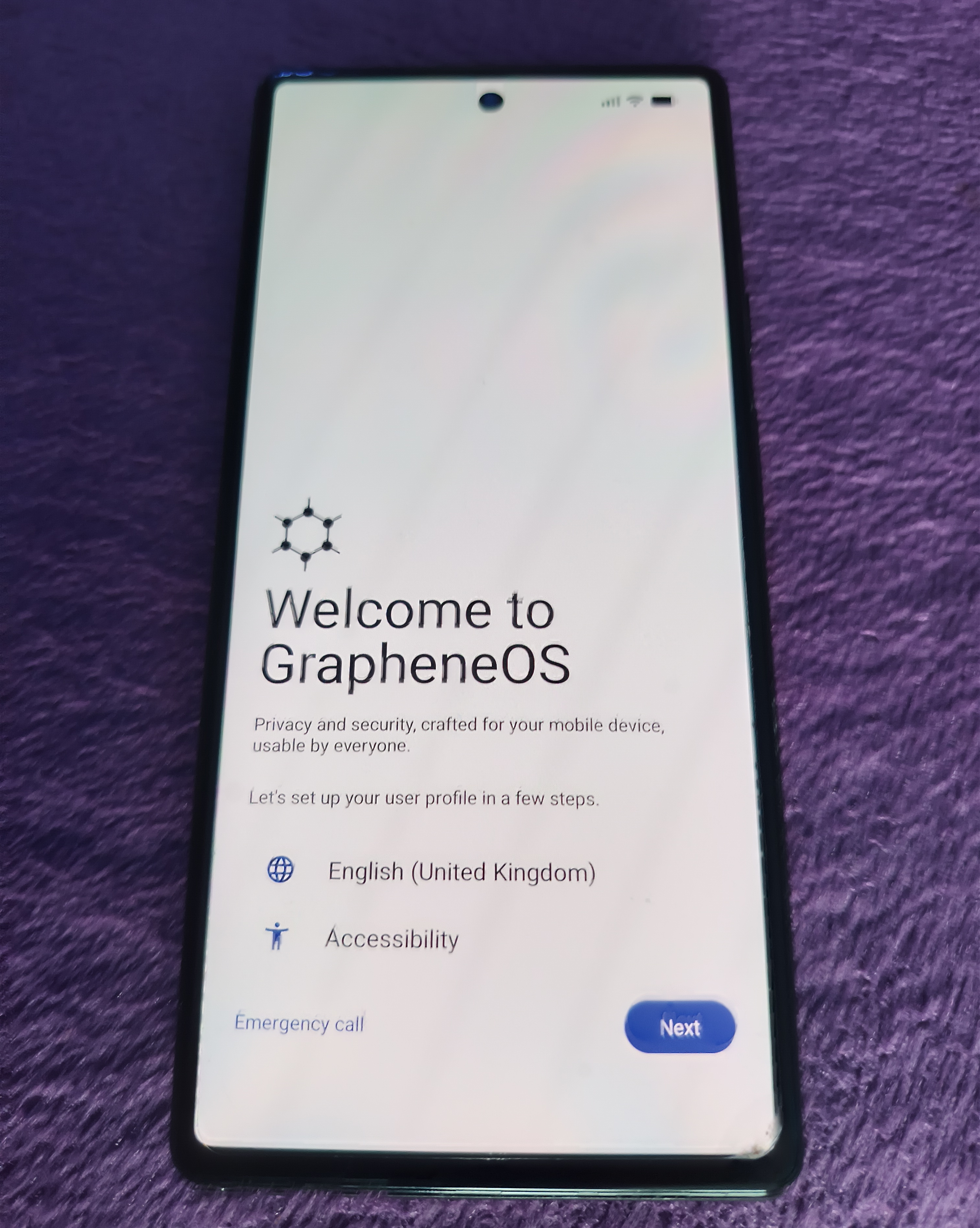
With Google soon to make Android even less free it’s time to extend my degoogling practise and see how much Android we can remove from my phone.
Six months left in the support life of my Pixel Six, lets spend those six months with GrapheheOS instead.
Graphene is a fork of Android, keeping most of the Android updates but not those which require Google Services.
An Android without google. In theory.
Install
Pretty simple with the web install. Just have it plugged in and follow instruction on the install page
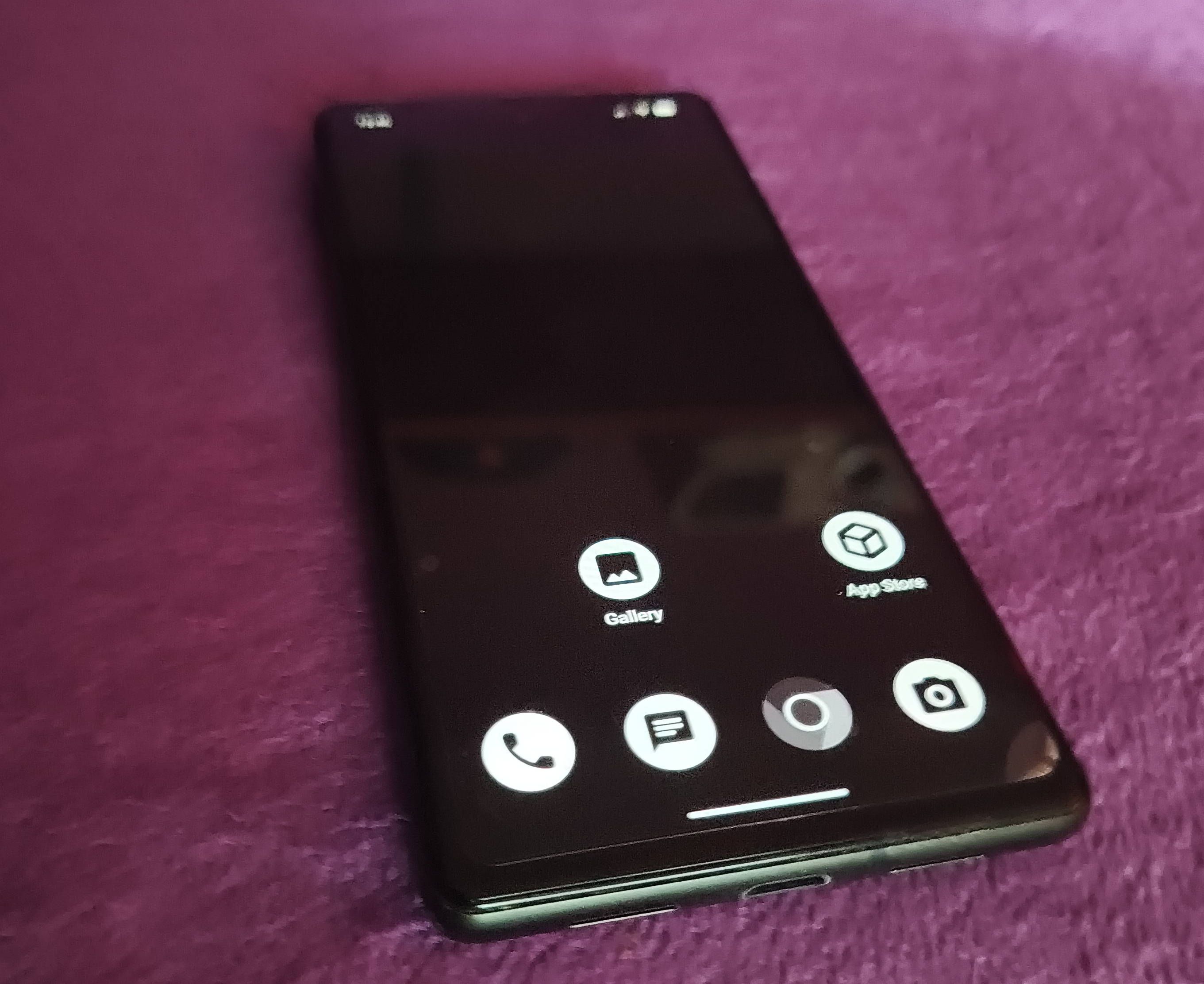
All went entirely smoothly for me, and after a welcome screen and a few setup pages we have a blank Android with no google in it.
Not much of anything in it really. Minimalist. An app-store with hardly any apps in it, most already installed: Camera, Gallery, File-explorer and an empty looking app store.
Accrescent
One of the apps in that system-apps-only app store is Accrescent, which is itself a third party app store.
This has some third party apps, but still a pretty limited set. Organic Maps, a video player, Molly the Signal client, a music player, ironfox for browser.
Molly for Signal
Acccrescent has Molly, a signal client.
Molly is good. Open source. More or less exactly like Signal app, but will run as a second device on Android.
If you don’t have auto-deleting messages and instead care about your Signal archive, you should back up your Signal archive before you switch. You may not get a chance later if you don’t have it on spare machines already. Keep it’s encryption key too.
Though really consider turning on disappearing messages and deleting all backups and not caring about persistence of these things.
Ironfox for browser
Ironfox is a Firefox fork, hardened and built only for Android.
Librewolf on the desktop, Ironfox on the phone.
Graphene’s built in browser is probably best for most folks unless you are using firefox/libre-wolf everywhere already and want all the bookmark syncs and tab-sending and cross history and that.
On my network I have lots of global DNS entries to local IP addresses like 192.168.2.* for lights servers and media server and whatnot.
Ironfox DNS locks down IP addresses pointing to the local net, so that they fail as though they don’t exist.
We have to visit about:config in the address bar and set
network.trr.allow-rfc1918 to true
RiPlay Music Player
RiMusic is something to do with streaming from youtube music, we just want the local player RiPlay.
It’s fine. It plays music. It’s in the most trusted app store here, so might as well.
Fdroid
Not enough apps, so we install the f-droid app-store which is filled with open-source stuff.
We visit fdroid.org in the browser, and install the fdroid app store from there.
From there we will install:
- Syncthing
- DavX
- Fossify Calendar
- Nextcloud Apps
- Ageis
- Organic Maps
- KOReader
- New Pipe
- VLC
- Open Camera
Syncthing-fork
Man Syncthing is awesome. Peer to peer directory syncing.
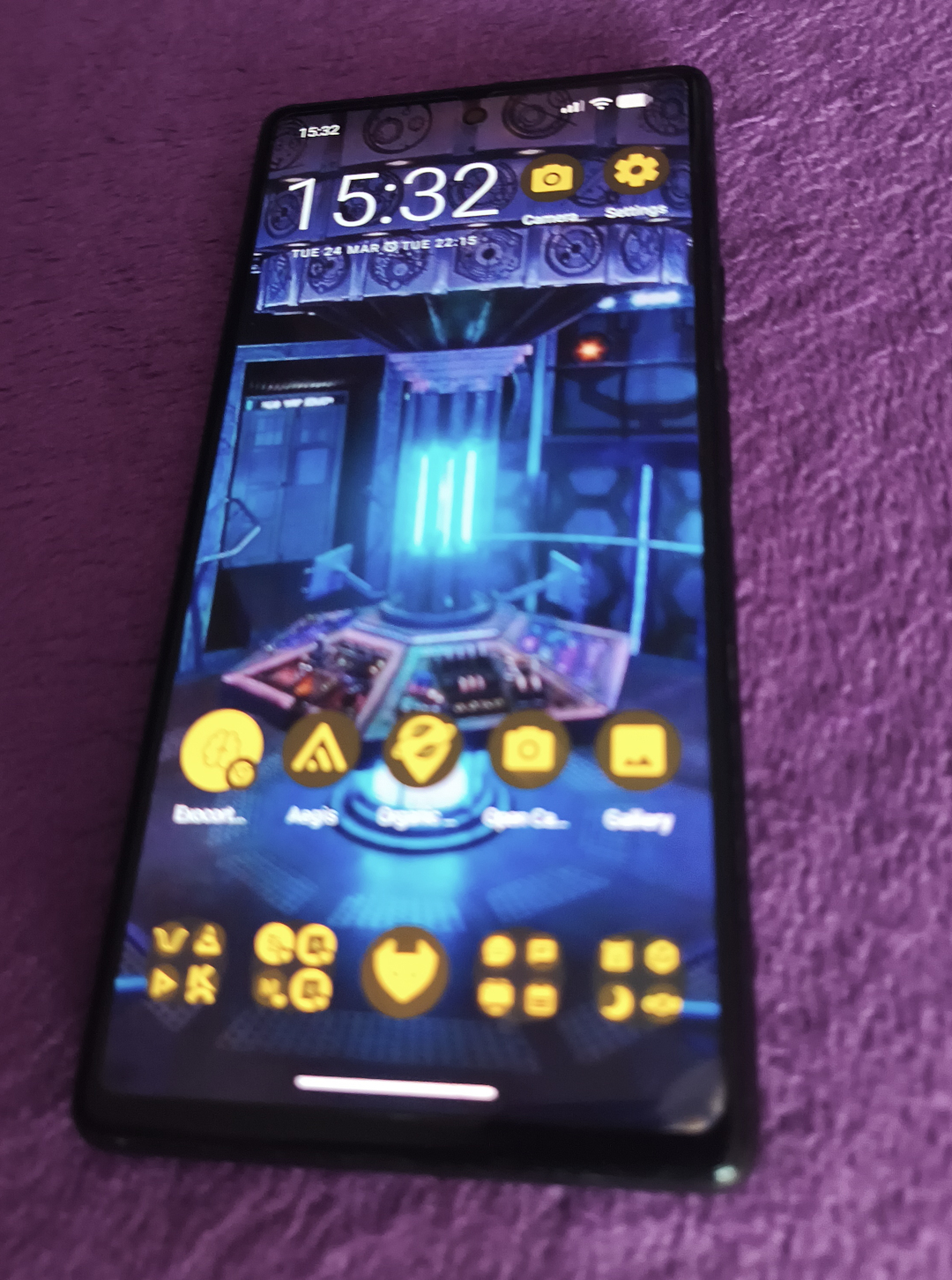
I have a directory with ringtones and wallpapers and avatar images and things in it that is just there on every device once I set up syncthing.
The e-books share is invaluable.
The share of the phone camera-roll to my desktop keeps images backed up without surveillance cloud company nonsense.
I can now:
- Configure wallpaper.
- Configure ringtones.
DavX for Calendar / Contacts sync
Helps to already be away from Google, so my calendar and contacts are on my Nextcloud server.
We sync to that with davx installed from f-droid.
Just install and log in and grant permissions.
Calendar and contacts now synched.
Fossify Calendar
No calendar app on default Graphene though.
We install Fossify Calendar. It’s fine. It has the right desktop events-list widget.
Nextcloud Apps
I don’t use the file-sync much really with Nextcloud, but it is needed for it’s auth library to make Bookmarks and Notes work.
So three Nextcloud apps from Fdroid:
- Files
- Notes
- Bookmarks
Notes has a widget for the homepage but it isn’t really ideal. Just listing subjects and not even viewing the one you press if you press one.
Bookmarks is needed for it’s share-to-bookmarks intent, if reading with Ironfox and want to bookmark.
Web Apps
I consciously use self-hosted web-services wherever they can work.
I stream from Jellyfin, keep my address book and calendar mostly in Nextcloud, read from my RSS at self-hosted TTRSS.
So just having a web-browser, especially a firefox fork with all it’s sync, gives me a lot of what I use a phone for already:
- RSS
- Streaming
- Mastodon / Phanpy
- Control of the lights in the flat
- Radiolise
I set those ones up as pinned shortcuts in Ironfox homepage.
Ageis, 2fa
Ageis is in the f-droid store.
You are going to have to reset all your 2fa if you are on Authy, they have locked them all up. Extracting them is hard to impossible.
Annoying, I thought I picked Authy years ago because of an export option. Maybe it went away. Maybe I dreamed it.
Not there now.
Sigh.
So all my 2fa need resetting.
Switch to Ageis everywhere ASAP anyway now, that does have a backup and export and so doesn’t lock all your tokens up away from you held hostage like Authy .
Open Camera
The Graphene Camera app is fine mostly.
But I need external USB mic to work when recording video, and it does not.
So I need Open Camera from the f-droid store.
It also has a light histogram, manual focus ability, a microphone monitor, export RAW and various other things.
A camera app more for pros.
Probably wouldn’t have bothered if Graphene Camera noticed the mic plugged in.
KOReader, Ebook reader
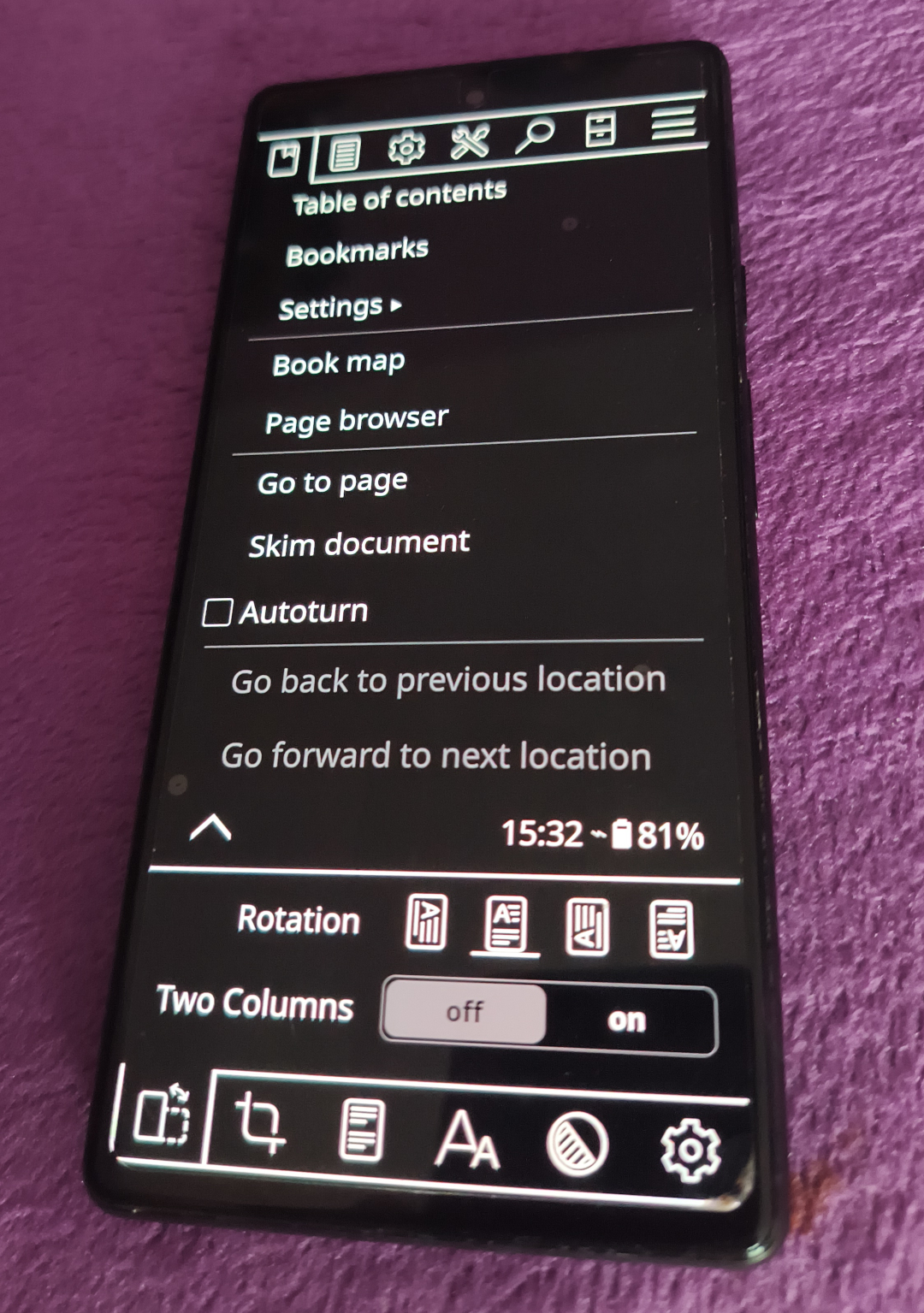
KOReader is in f-droid. It works. Very clunky UI but mostly you’re just reading not looking at the clunky UI.
Voice, Audiobook Player
Seems to work okay, haven’t really used it much. My audio-booking is mostly in the car these days and haven’t driven anywhere.
We install this instead of Smart Audiobook Player which I’ve used on Android because it’s open source and in the FDroid store.
New Pipe
A Youtube client without the enshitification. Nice, already using this from FDroid of course. Honestly youtube is mostly fine in just a web page in Firefox/Ironfox.
VLC
Do I play videos on a phone any more? I mostly just use browser or stream from jellyfin I think?
Installed it anyway out of habit.
Organic Maps, Navigation
Organic maps is okay, but it’s public transport and drive navigation are much worse than I have become accustomed to with waze and google maps.
This is why we are likely to still need play services.
The GOOGLE partition
Okay, that’s all great, I can do all the normal things I do with a phone except:
- Organic Maps is barely capable for driving
- Organic Maps has no bus routing
- No banking app
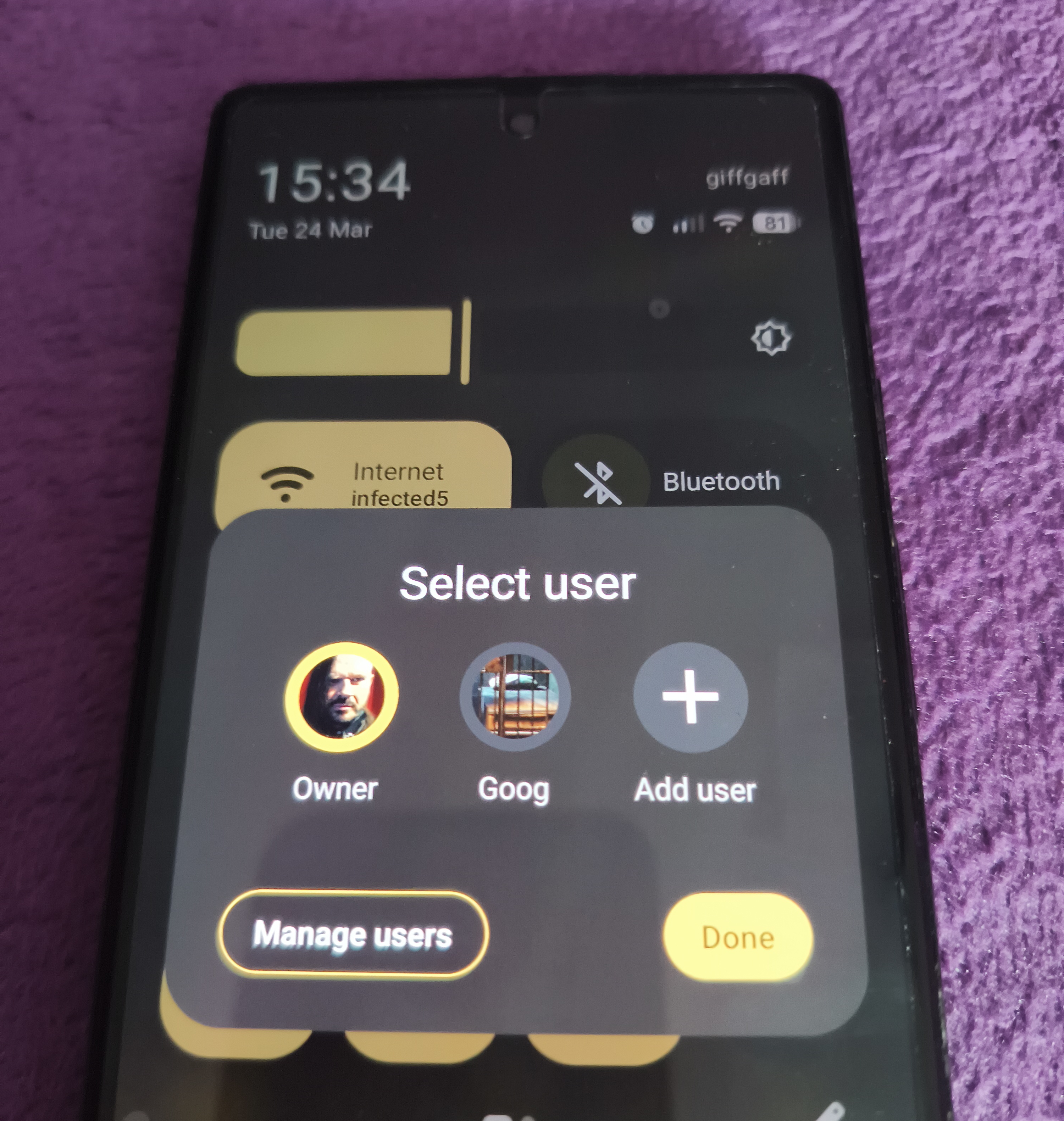
And so we are going to want Google Maps and Play Services.
But we wanted to get rid of those 😢 things 😢 sob.
But in Graphene (unlike Android), the Google Services are a USER service.
And Graphene (like all modern Android) allows us to add a second user profile.
So on Graphene we can register a second phone user and have Google Play Services and a Google Account only on that user-profile.
They’re active only when we switch to that user to use those spying lying apps.
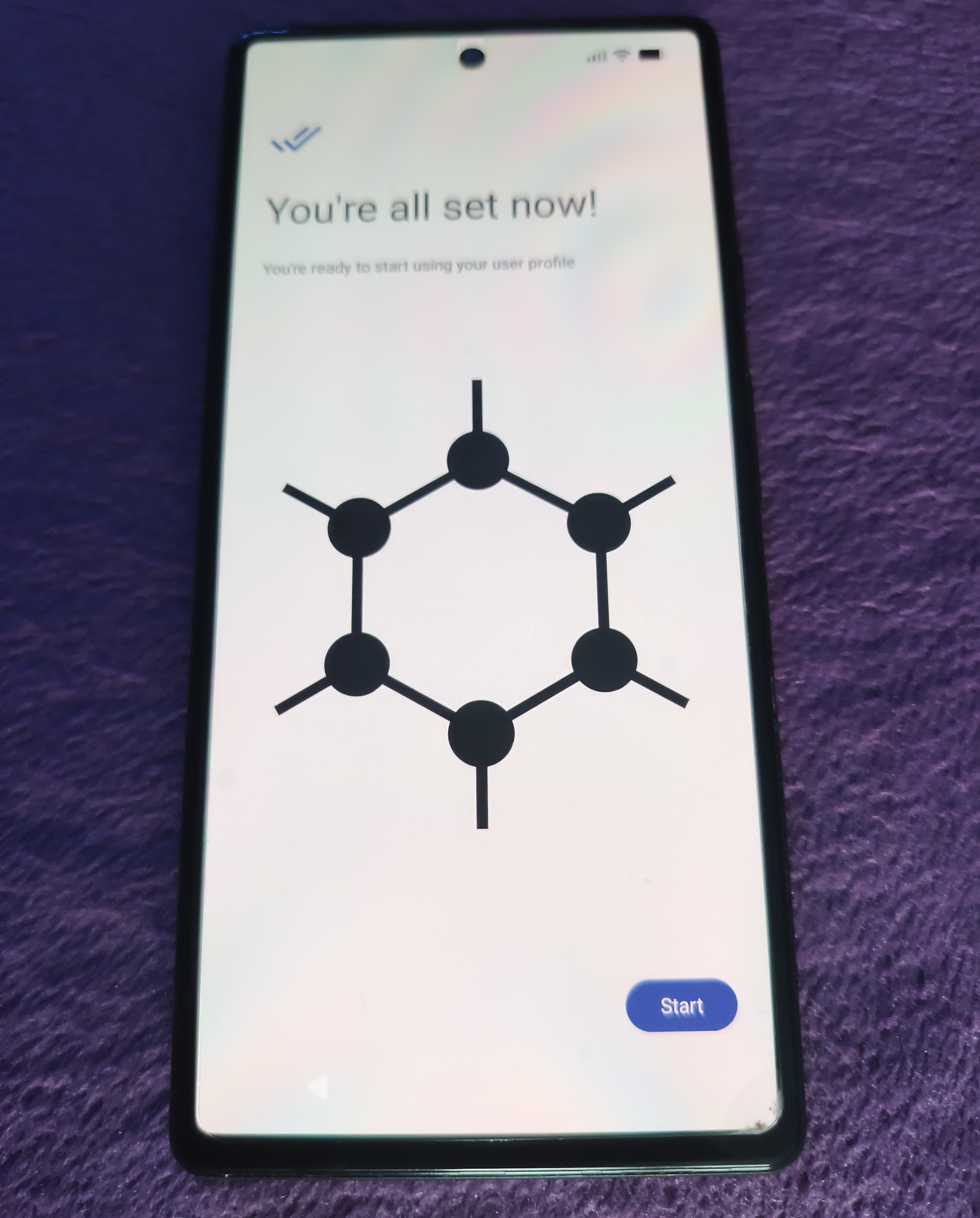
Settings allow creating that second user service.
So we install into the Google user, by installing from Graphene App Store:
- Play Services
- Play Store
Then from the Google Play Store:
- Waze
- Google Maps
- Banking App
- Google Camera (it does have nice 360-world mode)
- Audiobook player (for during waze navigation)
And a cache of audiobooks.
End
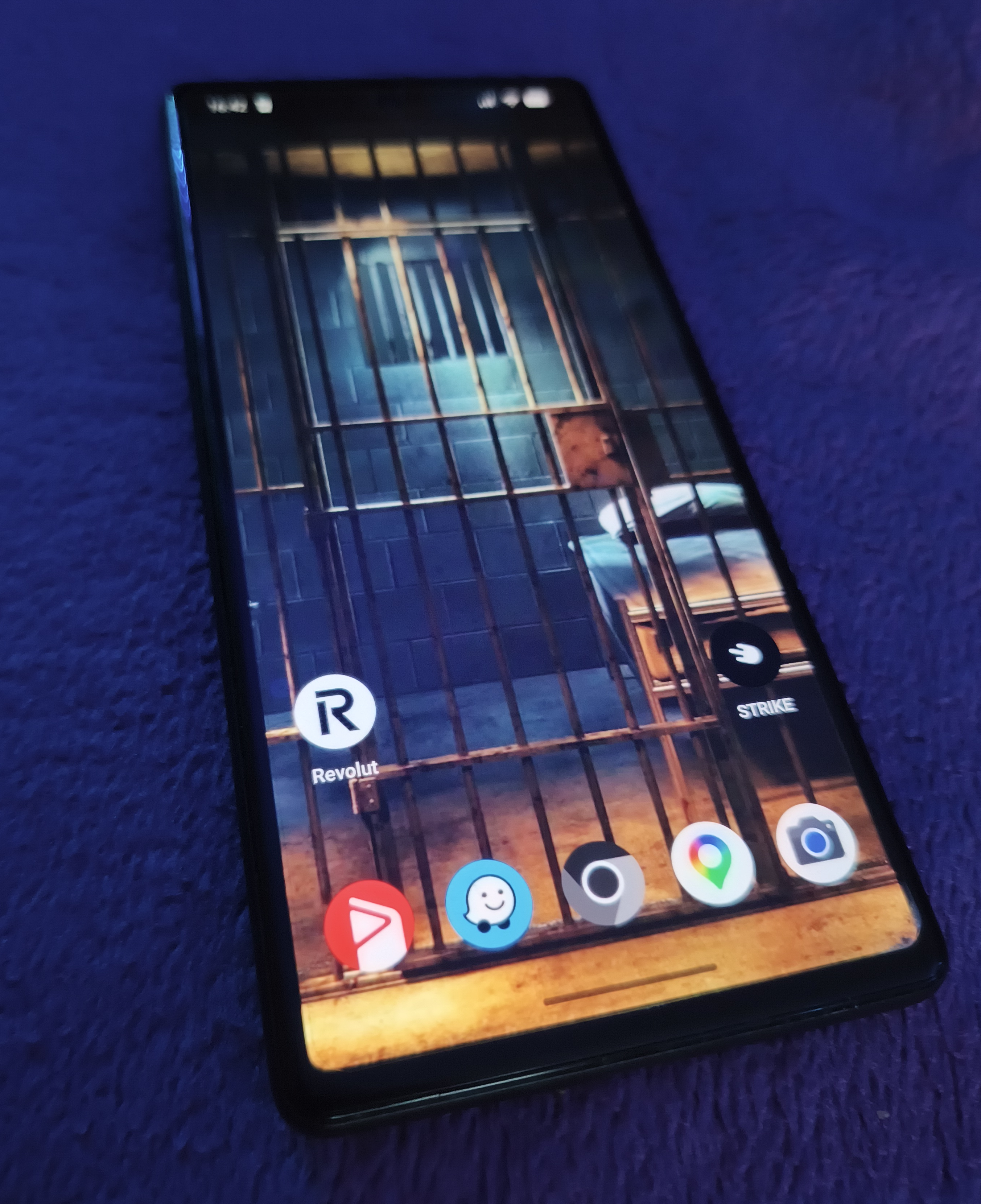
Make the wallpaper an image of a jail-cell to remind you: Here, we are not free.
The plan is to stay away from that user account unless driving or planning a bus route or doing banking or specifically wanting a strange 360 camera mode.
Rest of the time: all free, all degoogled, all still bloody android but, eh. Disenshitifying slowly.